
So you’ve just bought your first microphone or a shiny new electric guitar, and you’re eager to record some fantastic tunes. But wait – how do you get that sound from your instrument or mic into your computer? This is where an audio interface comes in, and for many beginners, picking the right one can feel like navigating a complex maze of technical jargon. Don’t worry, we’re here to break it down. This article will guide you through selecting your very first audio interface, ensuring you get the best start to your home recording journey without unnecessary complications.
Why You Need an Audio Interface
An audio interface is essentially an external sound card designed specifically for recording and playback. While your computer has its own sound card, it’s usually not built for the demands of high-quality audio production. A dedicated audio interface offers superior audio quality, lower latency (reducing annoying delays between playing and hearing your sound), and the right connections for microphones and instruments. Think of it like this: your computer’s built-in sound card is a small, quiet road you can walk on, but an audio interface is a multi-lane highway built for speed and carrying more traffic, making your recording experience much smoother and professional-sounding. For example, trying to record a vocal track directly into your laptop’s mic input often results in a thin, noisy sound, whereas an interface provides a clean, clear signal.
Key Features to Consider for Beginners
When you’re just starting, you don’t need a professional studio’s worth of features. Focus on these three important aspects:
1. Input/Output (I/O) Count: How Many Inputs Do You Need?
This is probably the most crucial decision. I/O refers to the number of inputs and outputs your interface has. For most beginners, a 2-in/2-out interface is ideal. This means it has two inputs (usually one XLR for a microphone and one 1/4-inch jack for an instrument) and two outputs (for connecting to studio monitors or headphones). This setup allows you to record a single microphone and a single instrument simultaneously, or two different instruments, which is perfect for solo musicians or duos. For instance, if you want to record your vocal while playing an acoustic guitar, a 2-in/2-out interface like the Focusrite Scarlett 2i2 or the Behringer UMC202HD will do the trick perfectly. Avoid getting an interface with too many inputs if you don’t need them – it just adds complexity and cost.
2. Connectivity: USB is Your Friend
Most entry-level audio interfaces connect to your computer via USB. This is incredibly convenient and user-friendly. USB 2.0 or USB 3.0 interfaces are common and offer excellent speed for audio data transfer. Thunderbolt connections exist but are typically found on more expensive, professional-grade interfaces and are not necessary for a beginner. Simply plug the USB cable into your computer, install the necessary drivers (usually a quick download from the manufacturer’s website), and you’re good to go. This “plug-and-play” simplicity is a huge plus for those new to recording.
3. Durability and Ease of Use
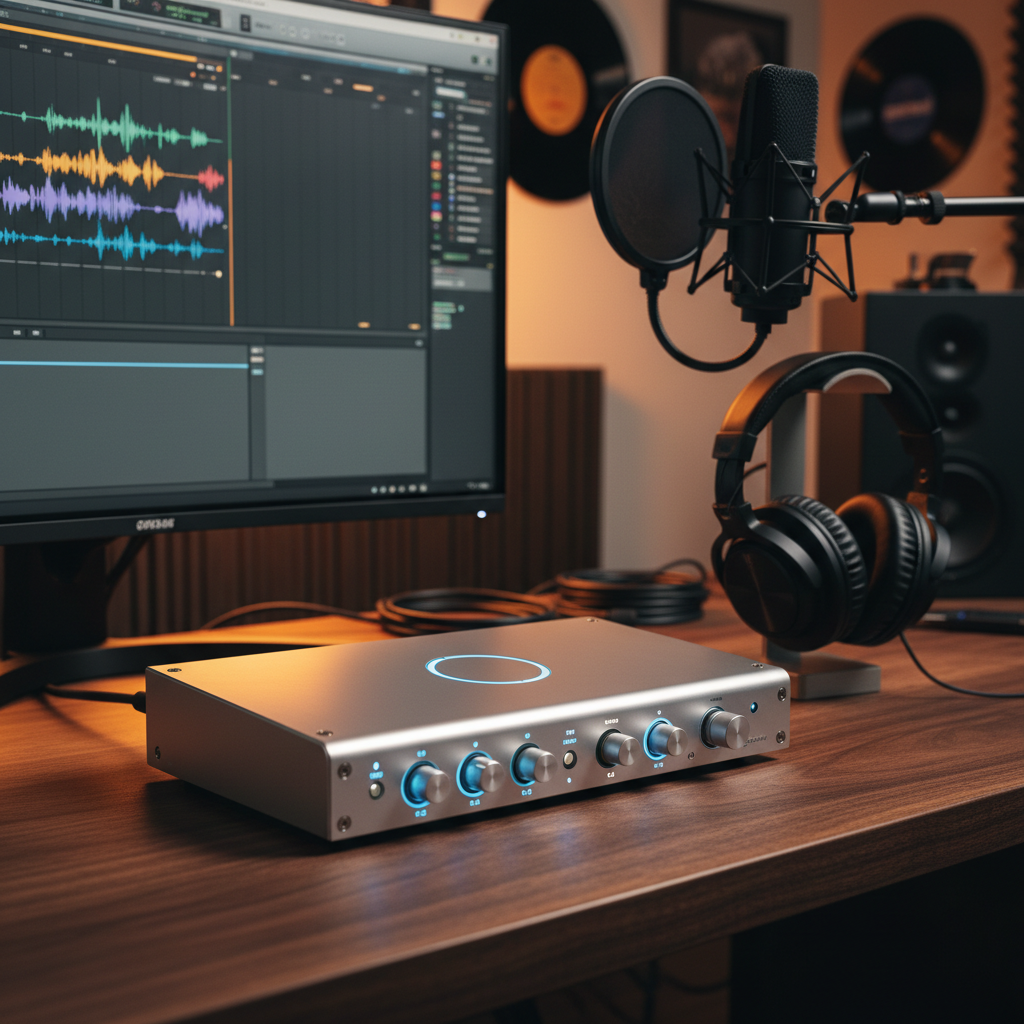
While often overlooked, the physical build quality and user interface matter. Look for an interface with solid construction – metal casing is a good sign. Rotary knobs should feel firm, not flimsy. More importantly, consider the ease of use. A good beginner interface will have clearly labeled controls for input gain (how loud your mic/instrument is going into the computer) and monitoring (how loud you hear it back). Some interfaces even have a direct monitor switch, which allows you to hear your input signal directly from the interface with zero latency, making recording much more enjoyable. For example, interfaces like the PreSonus AudioBox Go are lauded for their straightforward design and robust build, making them perfect for those occasional recording sessions or for taking your setup on the go.
In conclusion, choosing your first audio interface doesn’t have to be daunting. By focusing on the number of inputs you truly need, opting for reliable USB connectivity, and prioritizing a durable and easy-to-use design, you’ll be well on your way to capturing great-sounding recordings. Happy creating!