
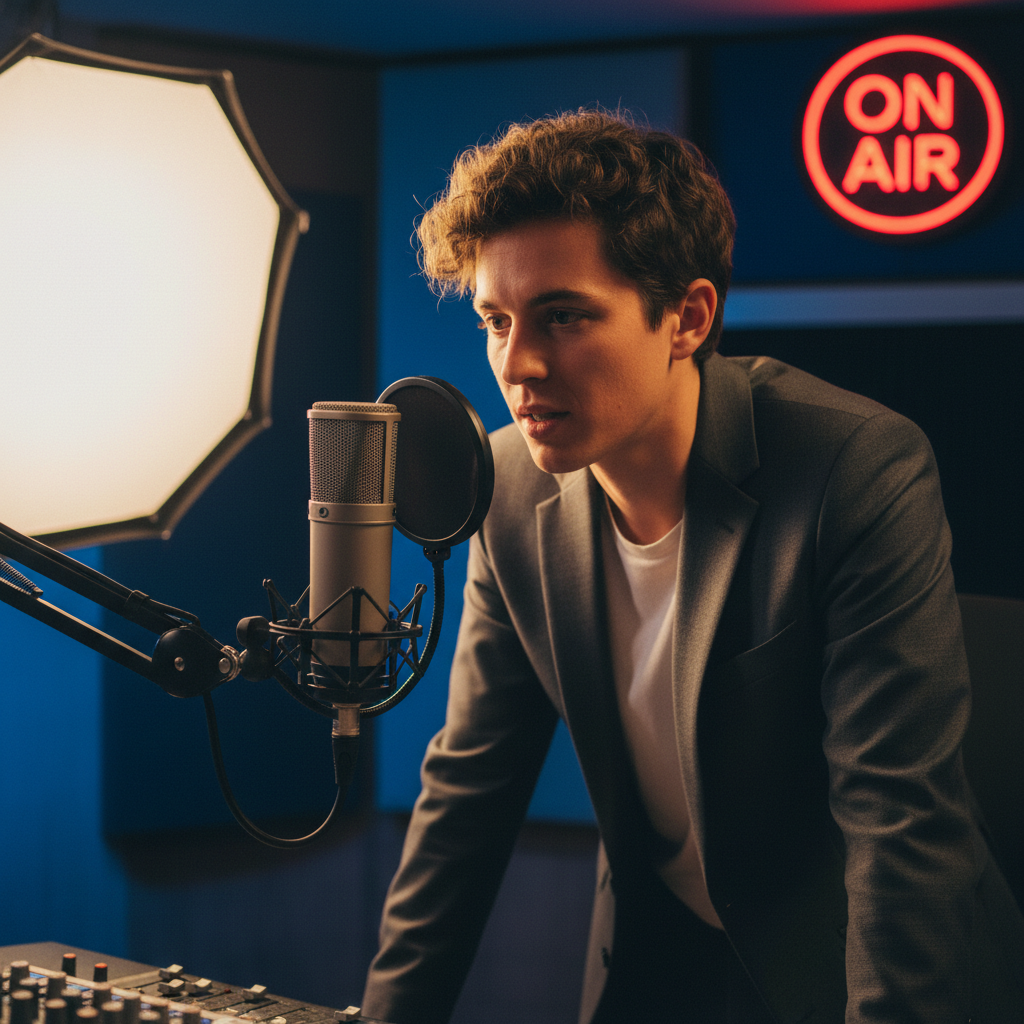
Ever wondered why your voice recordings sound muffled or distant, even with a decent microphone? You’re not alone! Many beginner podcasters, streamers, and home musicians struggle with achieving professional-sounding vocals. The good news is, getting great audio doesn’t require expensive gear or advanced degrees in sound engineering. This article will guide you through practical tips to ensure your voice shines, focusing on common pitfalls and easy fixes for anyone using a USB or XLR microphone at home.
Understanding Microphone Placement: The Sweet Spot
The single biggest factor in clear audio is microphone placement. Too far away, and your voice sounds thin and echoey. Too close, and you risk harsh “plosives” (popping sounds from ‘p’ and ‘b’ words).
Actionable Tip: For most condenser microphones (common for vocals), aim for 6-12 inches away from your mouth. Experiment with slightly closer or further distances to find what sounds best for *your* voice and microphone. For dynamic microphones (often used live or in noisier environments), you can be a bit closer, even 2-4 inches.
Minimizing Background Noise: Your Silent Co-Producer
Even the best microphone will pick up ambient noise. A humming computer fan, a distant air conditioner, or even street traffic can ruin an otherwise perfect take.
Important Feature: Directional microphones (like cardioid patterns) are designed to pick up sound primarily from the front, rejecting noise from the sides and rear. Check your microphone’s specifications for its pick-up pattern.
Actionable Tip: Record in the quietest room possible. Close windows, turn off unnecessary appliances, and consider adding soft furnishings (like blankets, pillows, or curtains) to absorb echoes. Speak close to the microphone so your voice is much louder than the background noise, helping your microphone prioritize your vocal performance.
Gain Staging and Pop Filters: Essential Accessories
“Gain” refers to how sensitive your microphone is. Setting it too high will pick up every tiny sound and introduce static; too low, and your voice will be barely audible. A pop filter, a simple mesh screen, is your best friend against plosives.
Technical Consideration: Adjust your microphone’s gain (either on the microphone itself, your audio interface, or in your software) so that your loudest speaking parts regularly hit around -6 to -3 dB on your recording software’s meter. This leaves headroom to avoid distortion.
Usage Tip: Always use a pop filter, positioning it 1-2 inches in front of your microphone. This inexpensive accessory dramatically improves vocal clarity by dispersing the burst of air from plosive sounds before they hit the microphone’s diaphragm.